
Project management for manufacturing and industrial teams in Salesforce
Schedule-driven projects, from order to installation.
Equipment builds, tooling programs, installations and capital projects depend on long chains of tasks and shared engineering resources. Inspire Planner schedules them in Salesforce, next to the customer and the order.
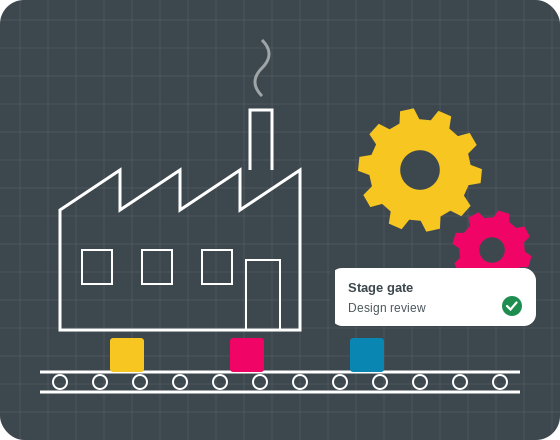
From order to installed and approved
How build-and-install projects usually move from order to sign-off. Your stage names will differ; the dependencies between them hold.
- 1 Order and kickoff Purchase order received, scope confirmed, project created.
- 2 Engineering and design Drawings, approvals and customer sign-off.
- 3 Build or procurement Fabrication, tooling or supplier lead times.
- 4 Installation and commissioning On-site work with field teams and subcontractors.
- 5 Acceptance Testing, sampling or customer approval, then closeout.
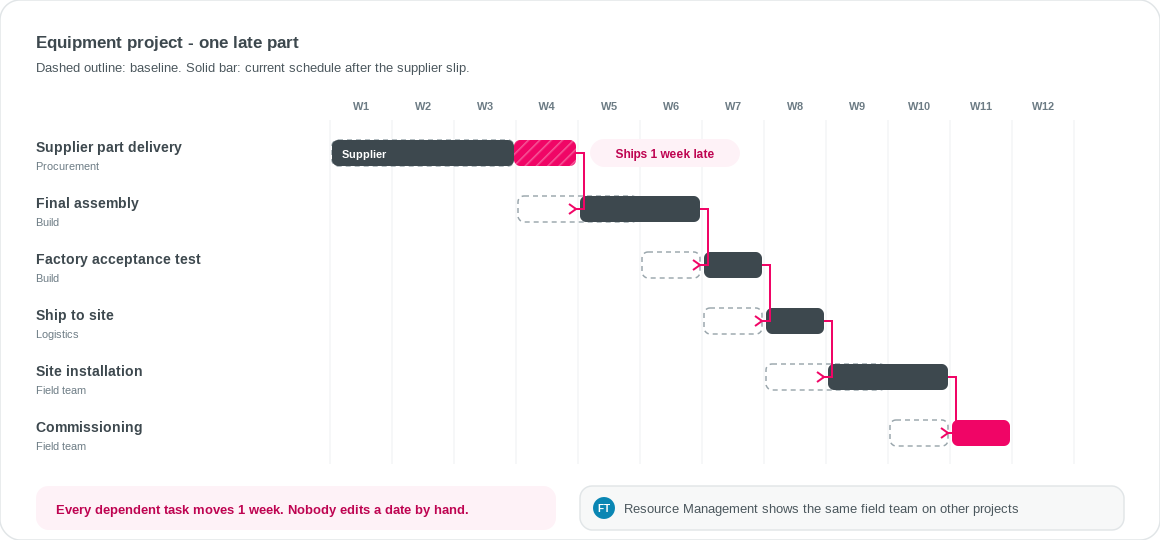
A supplier slips. The schedule follows.
Dependencies in the Project Gantt carry a late part through assembly, test, shipping and installation, so the plan shows the real finish date.
An equipment project template
A simplified structure for a build-and-install project.












How teams like these run delivery in Salesforce. Read customer stories ›
Where manufacturing & industrial teams start
The Product Areas that keep supplier dates, builds and installs on one schedule.
Questions from manufacturing & industrial teams
Can we model the impact of a delay on other projects?
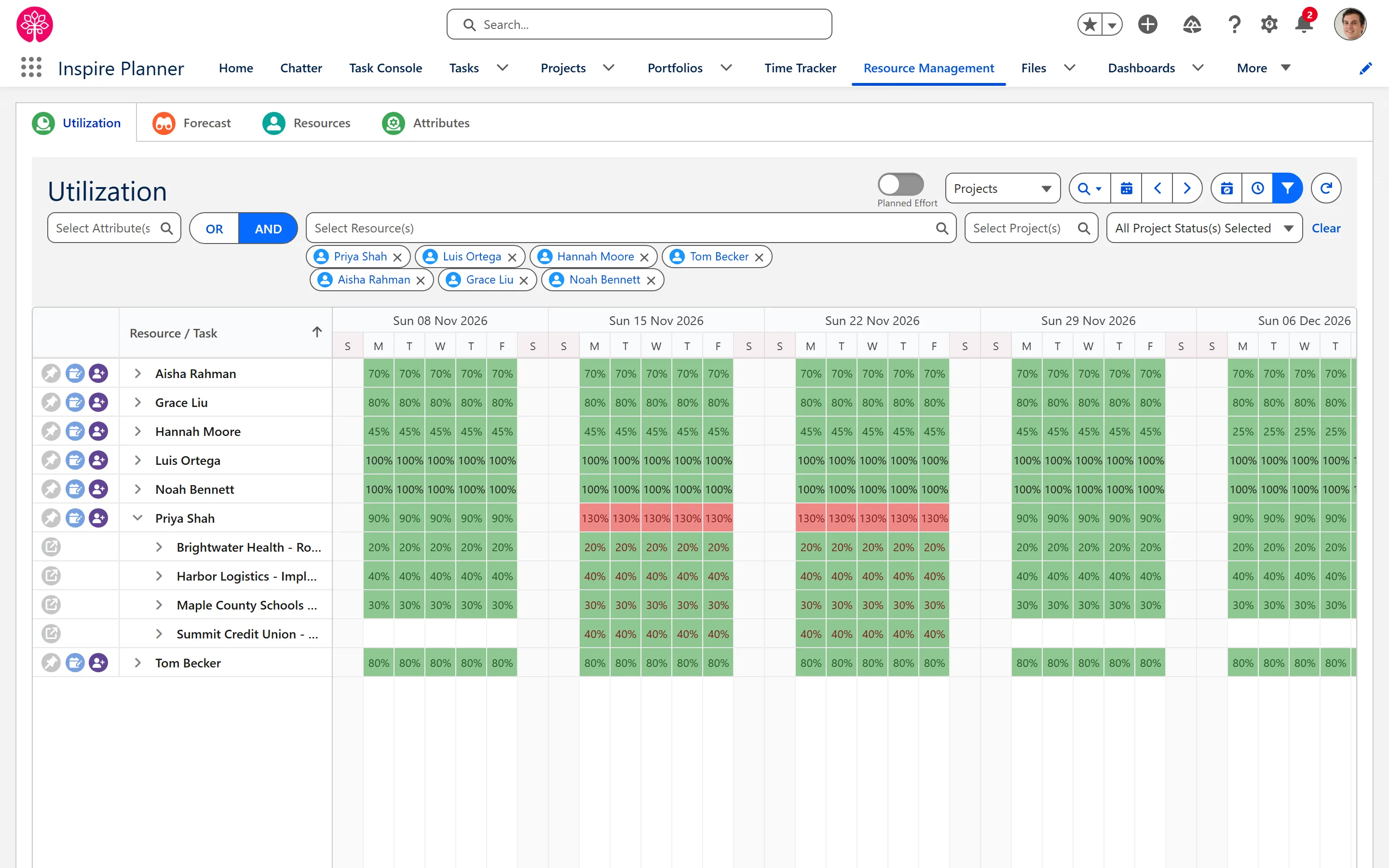
Yes. Dependencies reschedule the project, and Resource Management shows the effect on shared resources across projects.
Can subcontractors take part?
Yes. Subcontractors see and update the tasks you share with them in Inspire Planner - External Portal 2.0, with no Salesforce license.
Do you replace our ERP?
No. Inspire Planner runs the projects in Salesforce. Your ERP stays the system for orders, inventory and accounting.
Can we start from a standard template and adjust it per customer?
Yes. Start from a template per product or program type, then add or remove tasks for each customer.
What license do engineers and technicians need?
Engineers and technicians who work the plan need a Salesforce license (Platform Starter is the minimum) and an Inspire Planner Contributor license. Planners who build or change the schedule use a Standard license.
See a late part move the whole plan.
Bring one equipment project. We’ll show what a supplier slip does to it, live in Salesforce.