
Project Planning & Scheduling: Salesforce project scheduling with dependencies and critical path
Project schedules that keep up as work changes
The planning method behind every project: dependencies that carry change through the plan, a critical path that shows what sets the end date, baselines to measure against and working calendars that keep dates real.
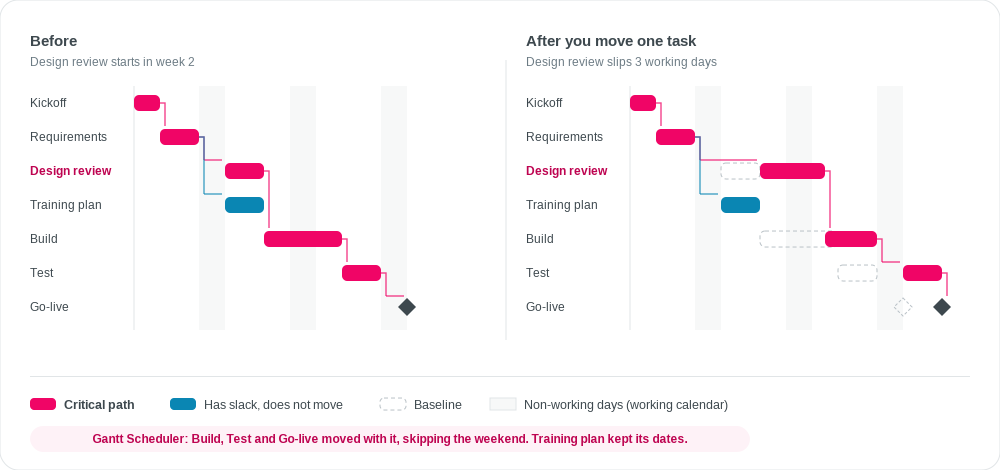
Move one task and watch the critical path respond
Dependencies carry the change, working calendars skip the weekend, and the baseline shows how far the plan has moved. Tasks with slack stay where they are.
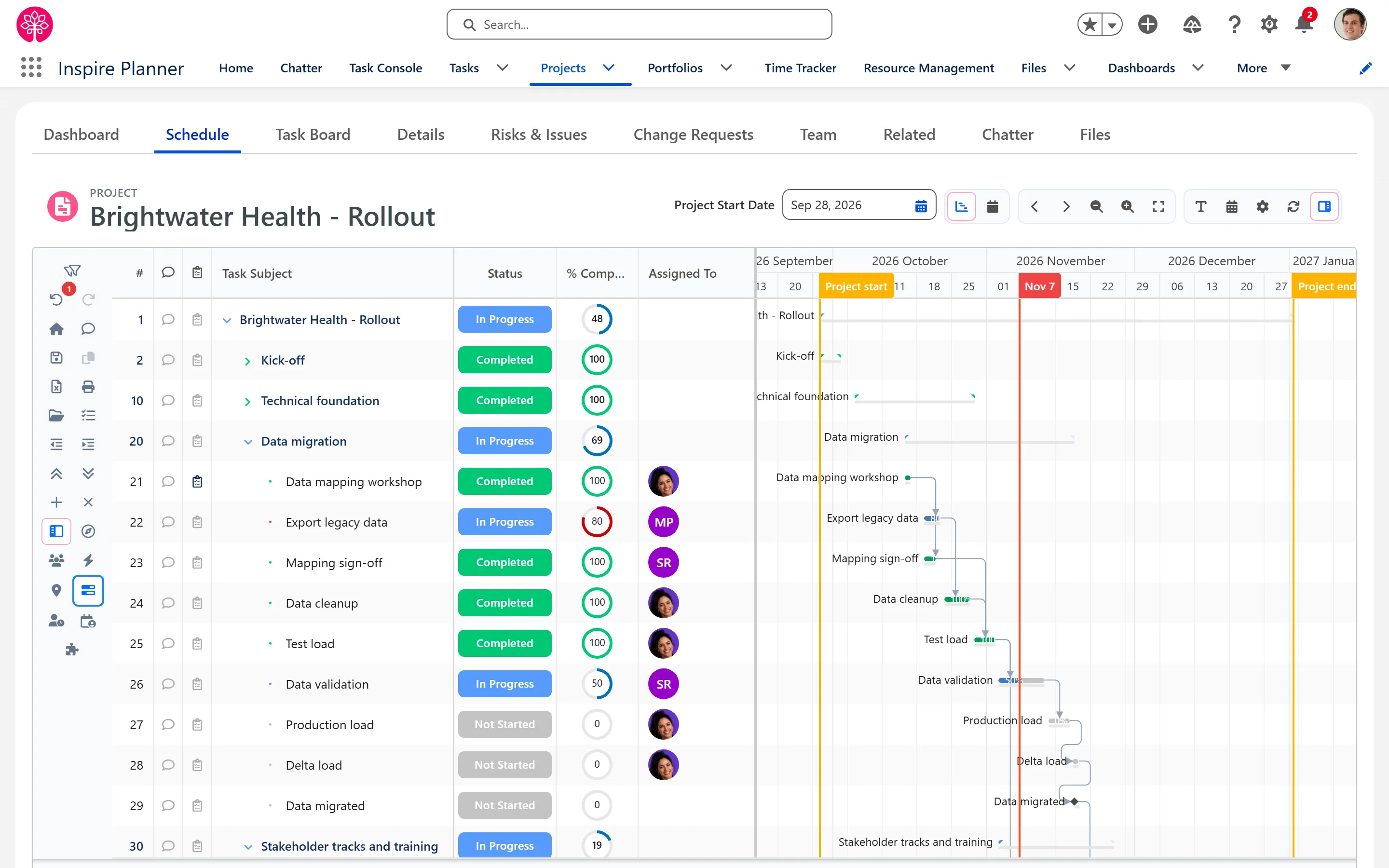
Plans change. The schedule should keep up.
A schedule updated by hand falls behind as soon as work moves. Project Planning & Scheduling recalculates dates as work moves, so the plan stays something the team trusts.
Inside Project Planning & Scheduling
Twelve capabilities in three groups, all part of the platform for every customer, scheduling included.
Dependencies and the critical path
Build and start the plan
Views for every conversation
Who uses Project Planning & Scheduling
Each role maps to a license type. See license types and pricing ›
Planning and scheduling questions
Is there a real scheduling engine?
Yes. The Gantt Scheduler is included for every customer: dependencies, baselines, critical path, calendars and non-working days.
Can we run Agile projects too?
Yes. Agile boards with a backlog and sprints run on the same platform, and their tasks appear in the same Task Console. See Task Management & Execution.
Can automation trigger the schedule?
Advanced Scheduling Automation, coming to Premium+ and now in Private BETA with selected customers, lets Flow, Apex and other programmatic processes trigger the Gantt Scheduler. The Gantt Scheduler itself stays in the platform for everyone.
How is Project Planning & Scheduling different from the Project Gantt?
The Project Gantt is the screen where you build and read the plan. Project Planning & Scheduling is everything behind it: the Gantt Scheduler, dependencies, baselines, working calendars and the critical path. See the Project Gantt.
Do non-working days and time zones count?
Yes. Working Days & Time Zones are built into every date the Gantt Scheduler calculates, so a slip over a weekend lands on the right working day.
Can sponsors see the plan without editing it?
Yes. Read-Only users view the plan and baselines shared with them, and Gantt Print & Export covers people outside Salesforce.
See the critical path on a plan like yours.
Dependencies, baselines and working calendars, shown on a project like yours.