Salesforce project management features in one Project Execution Platform

A Salesforce-native Project Execution Platform. One platform. Every project stakeholder.

Plan projects, execute work, manage resources, monitor performance and collaborate with customers and partners, without disconnecting project delivery from Salesforce.

4.95/5 from 175+ reviews on AppExchange
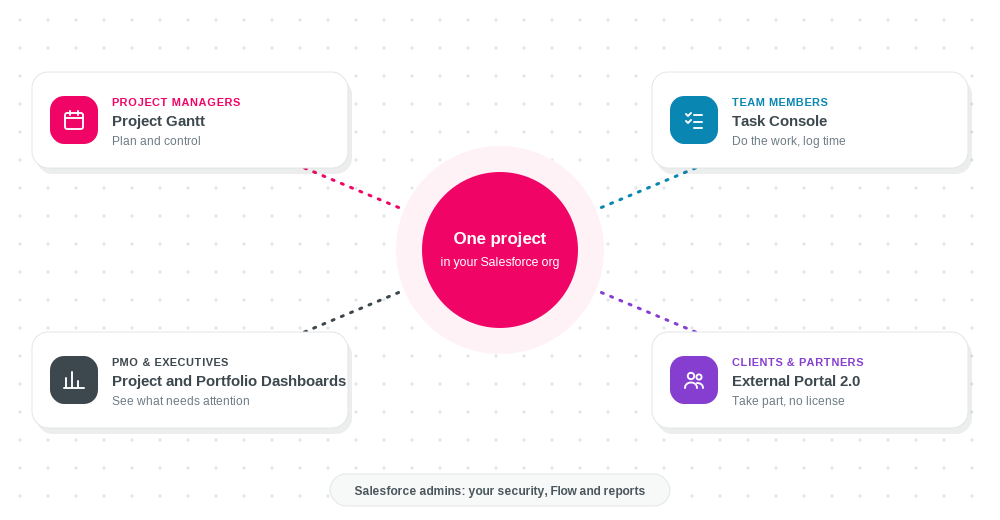
Diagram: one project in Salesforce at the centre, with project managers in the Project Gantt, team members in the Task Console, PMO and executives on the dashboards, and clients and partners in External Portal 2.0
TRUSTED BY PROJECT TEAMS AT

How delivery moves through the platform

Salesforce holds the customer and business context. Inspire Planner keeps project delivery there too, so every stakeholder works from the same project data instead of another disconnected system.

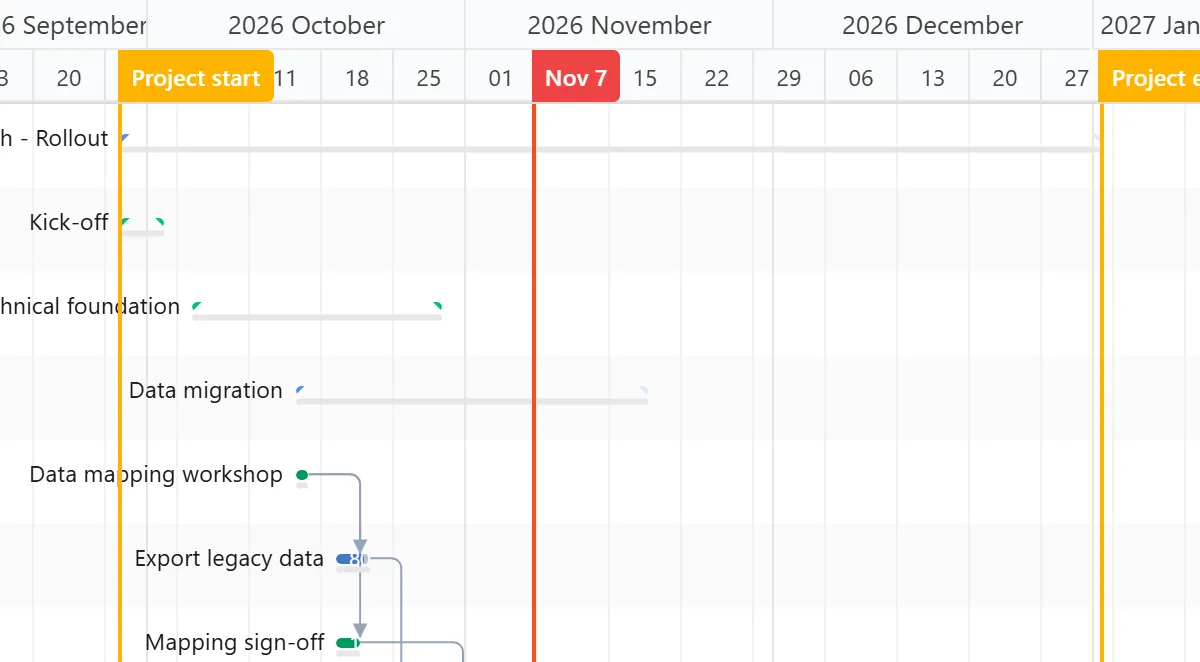
Plan Project managers structure delivery with the Project Gantt, dependencies, templates, resources, budgets and governance.
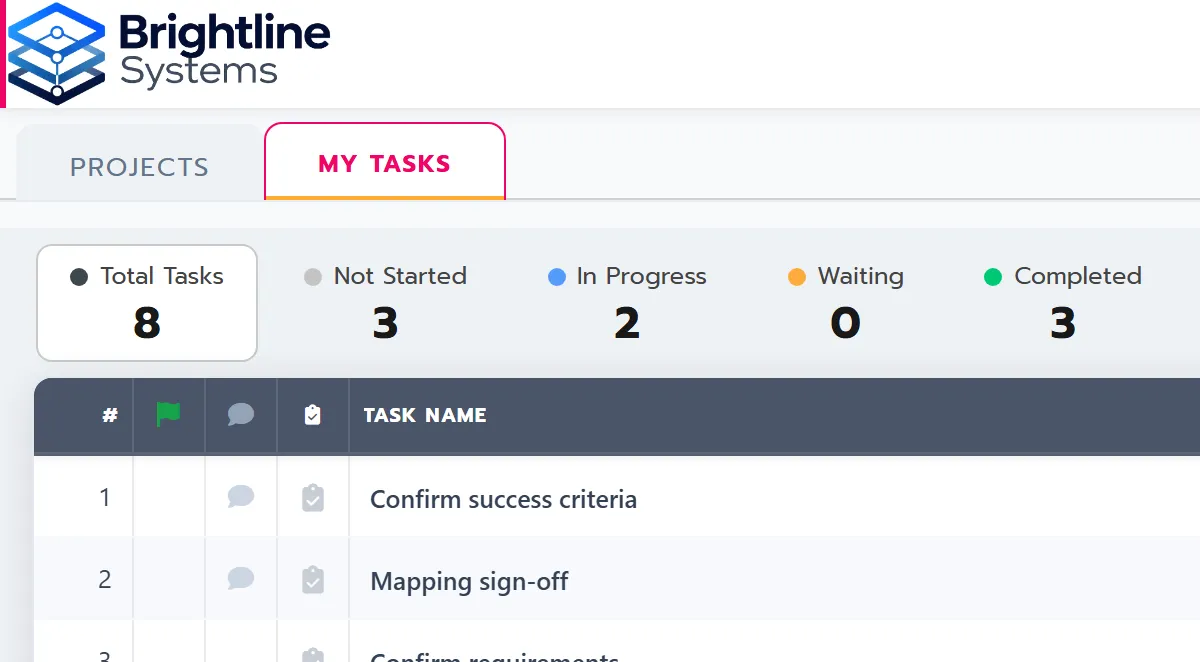
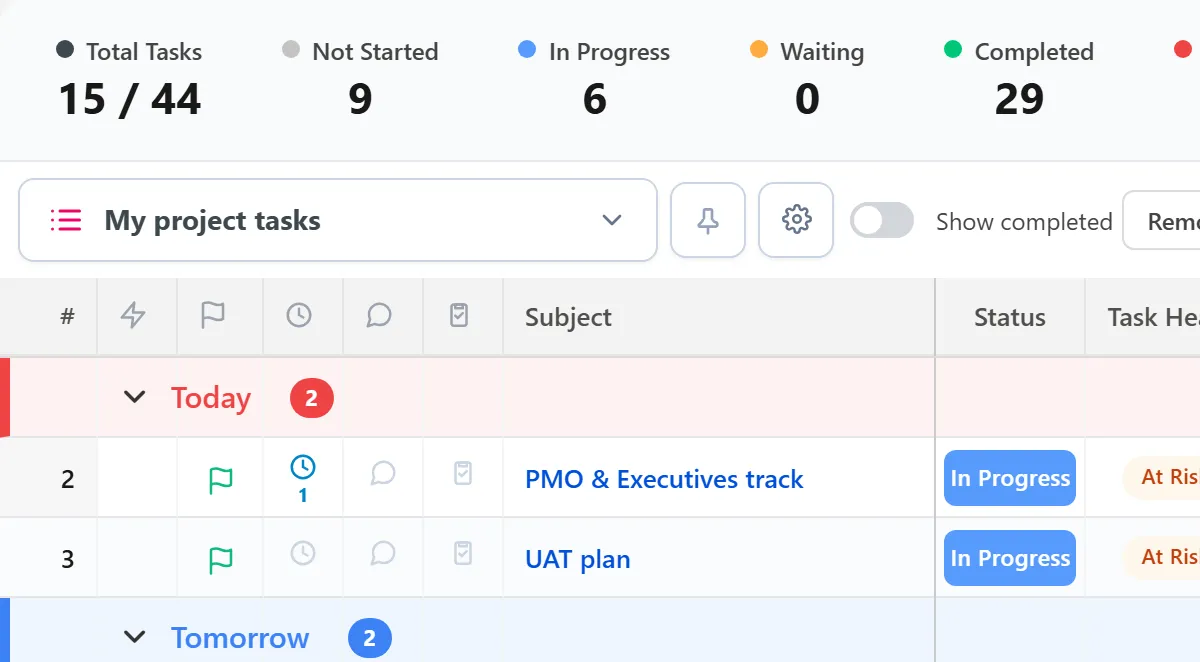
Execute Team members work across projects in Task Console, with assignments, checklists, time tracking and collaboration.
Collaborate Customers, partners and contractors participate through Inspire Planner - External Portal 2.0.
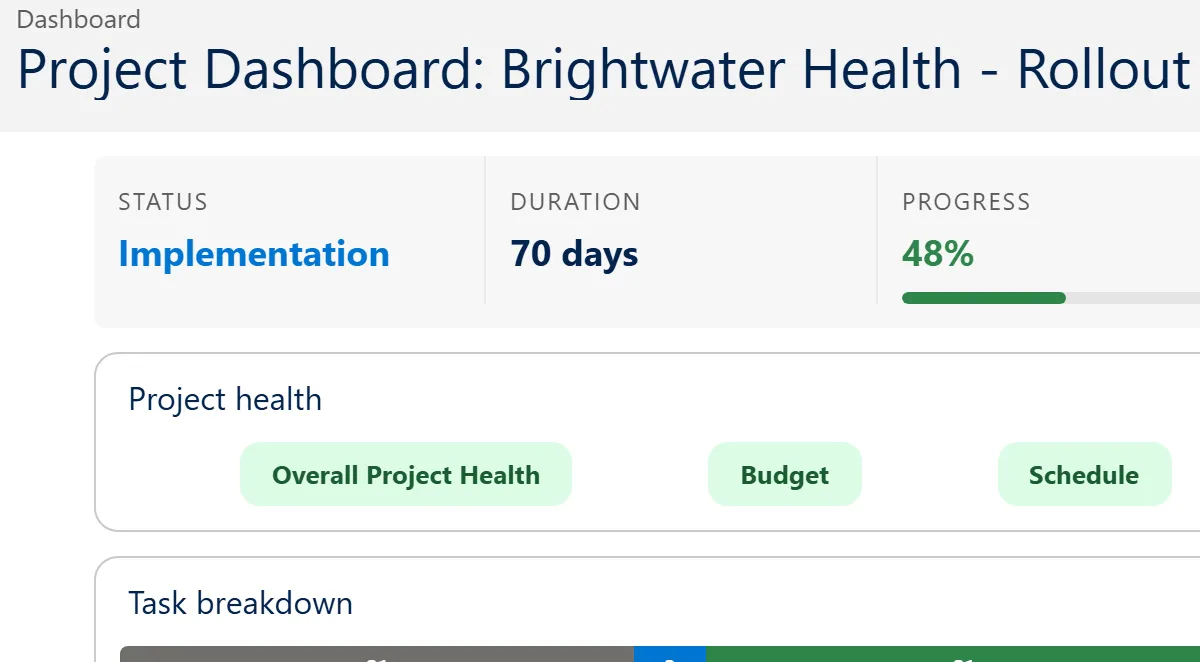
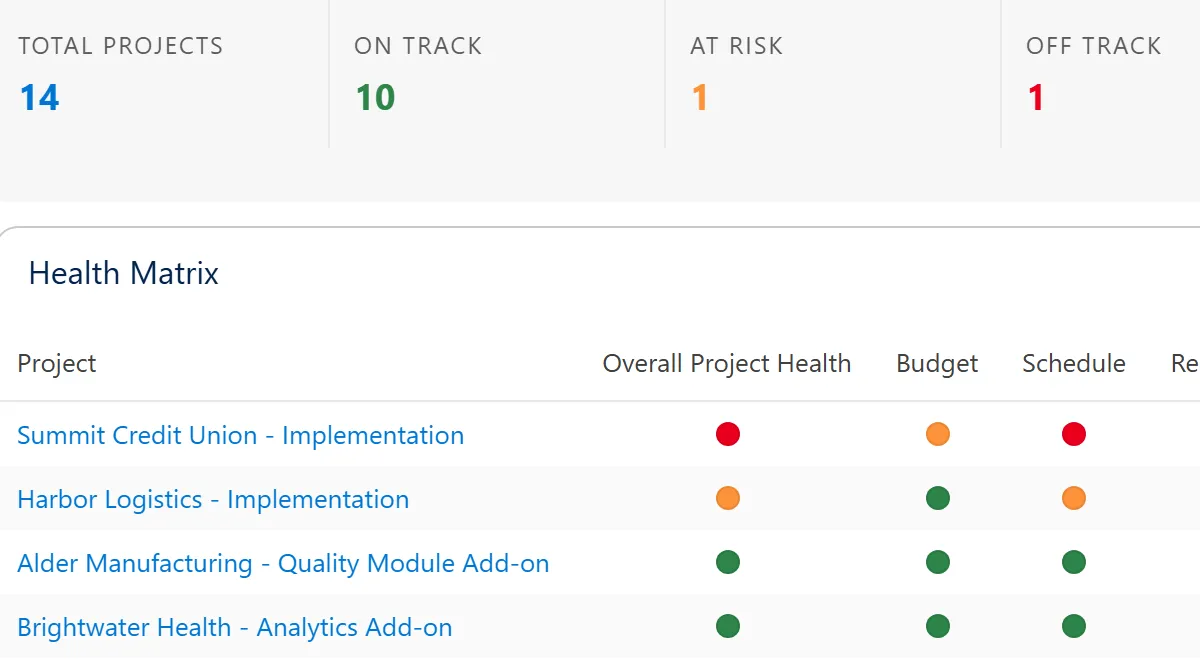
Monitor Project Dashboard for project-level visibility; Portfolio Dashboard for PMOs and executives across every project.
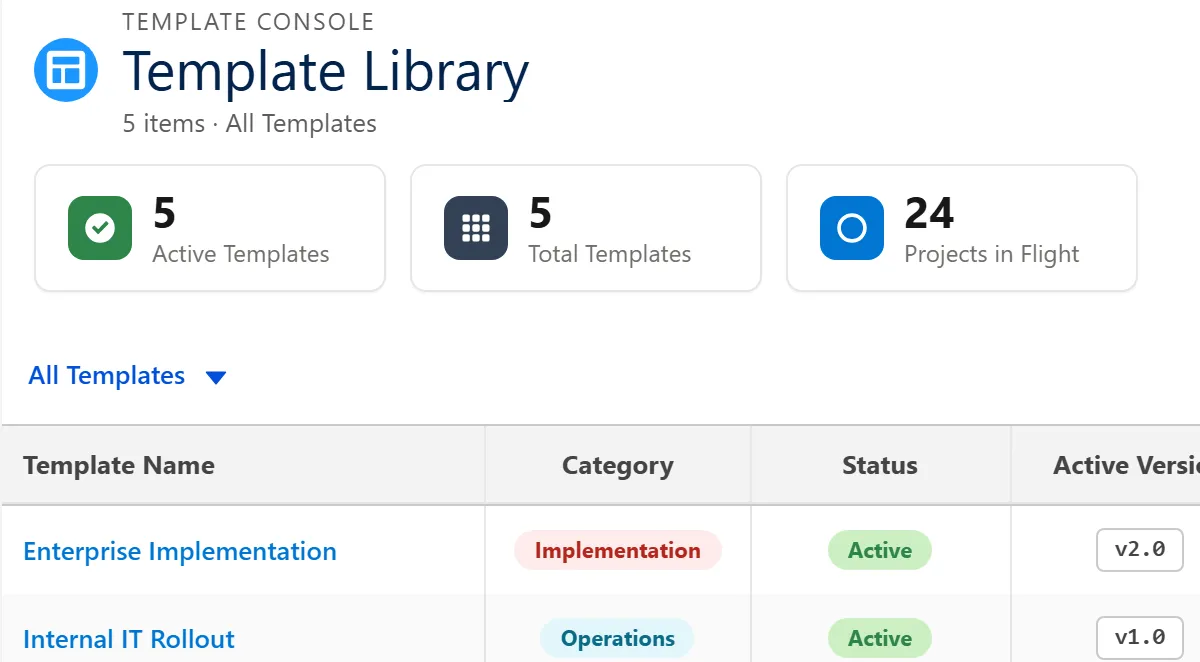
Standardize Templates and resource processes create repeatable delivery, and every project makes the next one better.
EXPERIENCES

Where each stakeholder works

Purpose-built experiences for project managers, team members, PMOs, executives and your clients - all on the same project data.
CUSTOMER STORY A PMO now finishing projects faster Nordis Technologies moved its PMO off a tool built for customer onboarding. Planning, time tracking and portfolio reporting now sit next to its Salesforce data, with KPIs the PMO couldn't capture before. All customer stories ›
THE RESULT 10%+ faster project completion times NORDIS TECHNOLOGIES How Nordis Technologies cut project completion times by 10%+ Project GanttTime trackingPortfolio view
CAPABILITIES

12 Product Areas, grouped by who uses them

Start with your role. Each Product Area sits with the stakeholder track that relies on it most, and every area page shows the real screens, how it connects to Salesforce and who it serves.

Included for every customer All 12 areas come with the platform. Advanced Platform Enablement, such as Advanced External Collaboration, is part of Premium+. What Premium+ adds ›

Run every type of project

Structured delivery is the core. The same platform also runs the lighter and iterative work around it, on the same data and with the same stakeholders.

Structured projects Phases, dependencies, baselines and milestones in the Project Gantt. Customer onboarding, implementations, programs, openings.
Agile projects Backlogs, sprints and Kanban for iterative teams, alongside the structured projects they feed.
Task lists Simple lists of work for the jobs that do not need a schedule, managed in the same place as everything else.
SALESFORCE-NATIVE

Built for Salesforce. Governed by Salesforce.

Inspire Planner is a managed package in your org. Projects, tasks, resources and time are Salesforce objects, governed by your sharing rules and reportable with your reports and dashboards. Inspire Planner - External Portal 2.0 is hosted by Inspire Planner and reads from your org.

Your data model Reports, Flow and Apex work on project data like any other Salesforce object.
Your security Permission sets, sharing rules and page layouts, the Salesforce way.
Start from the deal Template Stitching builds a project from the Products on an Opportunity.
Three releases a year New capabilities arrive Available - Opt-in; you choose when to turn them on.

See the platform on a project like yours, in Salesforce.

A 30-minute discovery call, then a live demo of about an hour built around your projects, your teams and your customers.