
Project management for energy and renewables in Salesforce
Energy projects, from site control to closeout.
Development, permitting, interconnection and construction run across months and many parties. Inspire Planner keeps every project, contractor and milestone in the Salesforce org where your deals and assets already live.
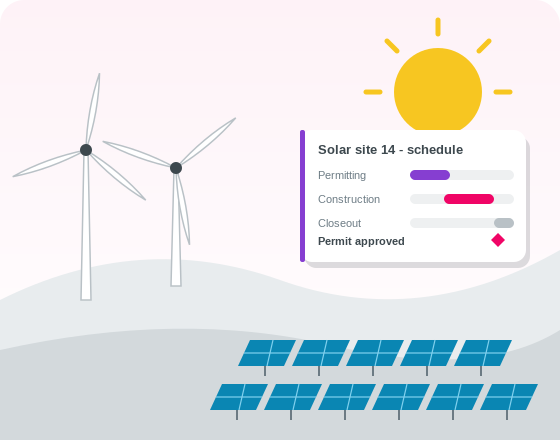
Development through construction, in one plan
The stages most developers run each site through, from development to construction. Phases vary by region; the structure carries over.
- PHASE 1 Development Site control, feasibility and the commercial terms that make a project real.
- PHASE 2 Interconnection and permitting Applications, studies and permits, with long waits and hard dependencies.
- PHASE 3 Engineering and design Detailed design, permit sets and procurement.
- PHASE 4 Construction EPC and contractor work, inspections and key installs.
- PHASE 5 Closeout and handoff Commissioning, documentation and handoff to asset or account management.
Every site, by phase, with its contractors
Development, permitting, construction and commissioning in one Portfolio Dashboard view. Contractors work in Inspire Planner - External Portal 2.0.
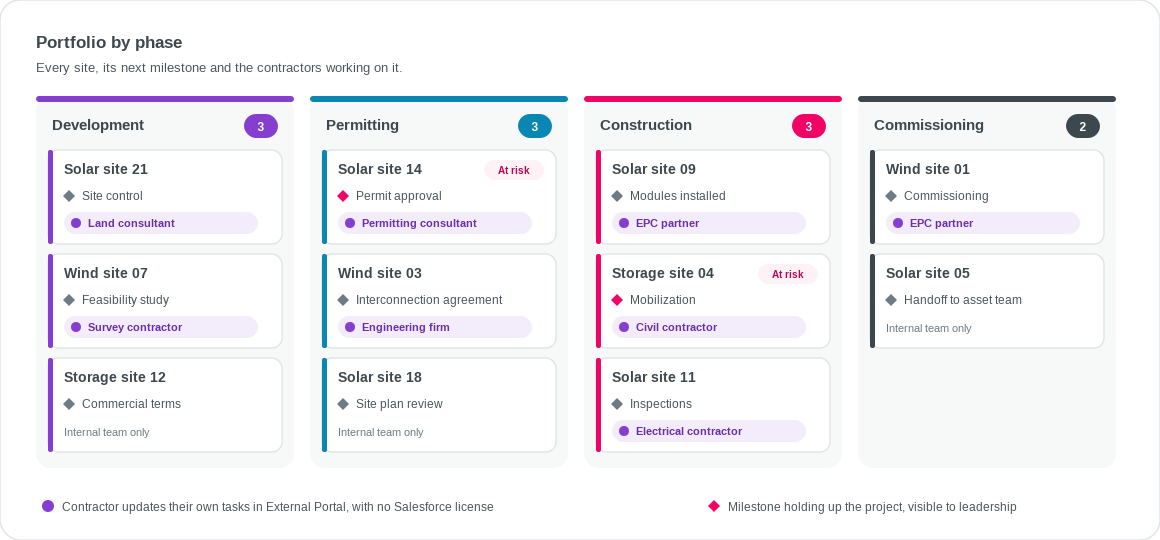
Every site, milestone and contractor task in one plan
Development, permitting and construction run in the Project Gantt, next to the accounts and opportunities they belong to in Salesforce.
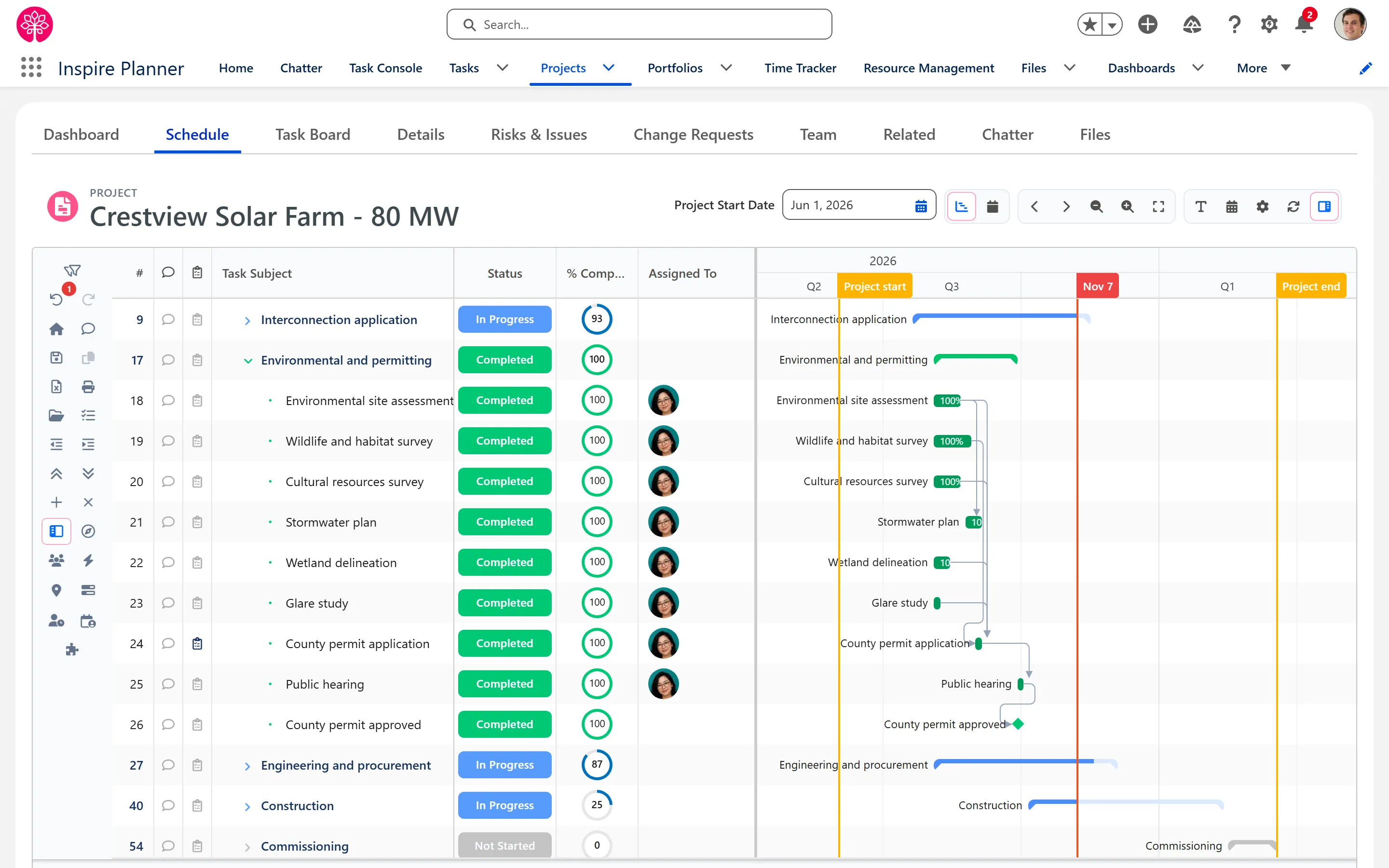
A development-to-construction template
A simplified structure many renewables teams start from. Real templates are tuned per region.
"We were able to quickly and easily translate deep process and project knowledge from our operations team into simple templating that has set us up for success as we move forward."
Where energy & renewables teams start
Where energy teams usually begin, and what each Product Area does for a portfolio of sites.
Questions from energy & renewables teams
Can contractors update tasks without a Salesforce license?
Yes. EPC partners and contractors use External Portal to see and update the tasks you share with them.
How do we handle different permitting rules by region?
Many teams keep a template per region and project type, and use Template Stitching or multi-template insert to combine common phases.
Can we see every project by stage?
Yes. The Portfolio Dashboard and Salesforce reports group projects by phase, region or owner.
Can milestones like permit approval show up for leadership?
Yes. Milestones roll up to the Portfolio Dashboard, so leadership sees what is holding each project.
Can we keep the detail without a 200-task plan?
Yes. Many teams move detail into checklists on key tasks, so the plan stays lean and reporting stays clear.
See your sites in one plan.
Bring one site. We’ll build its plan in the demo.